Top 15 Mac Apps for 2026: Essential Apps Every Mac User Needs
Fifteen apps, what each one does, and what it costs.
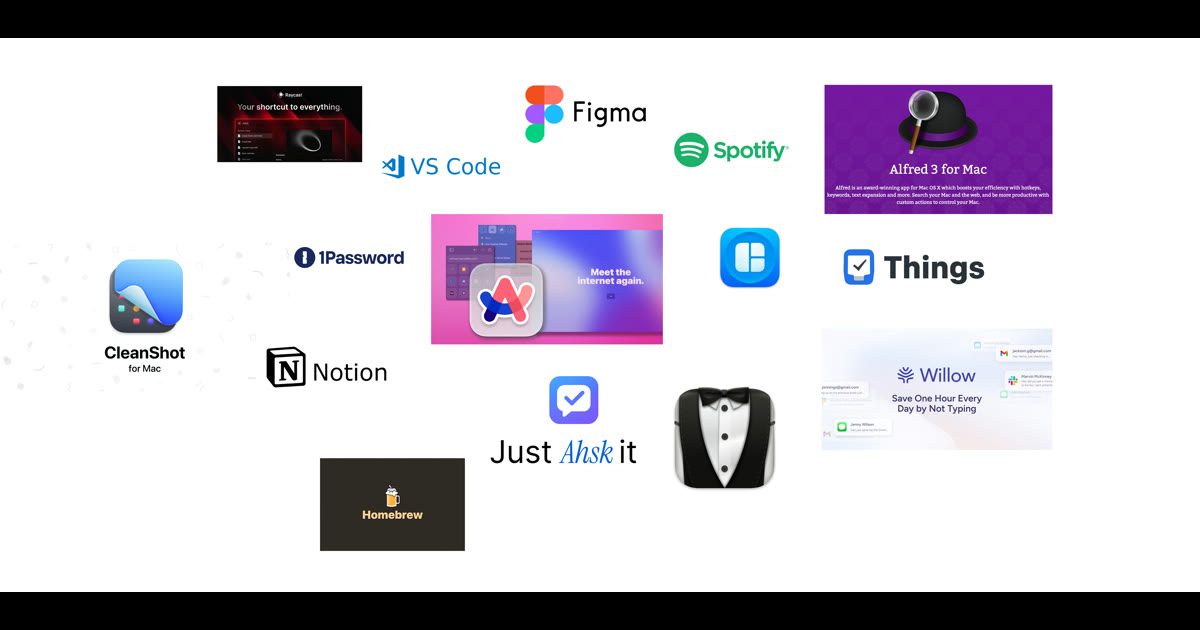
The 15 apps worth installing on a Mac in 2026: Homebrew, Magnet, Bartender, CleanShot X, Notion, Spotify, Things 3, Arc, 1Password, Alfred, Figma, Obsidian, VS Code, Raycast and, at number one, Ahsk for dictation and AI in any app. Most are free or have a free tier. Each entry below gives the price and what it replaces.
But functional differs from exceptional. Third-party developers have spent years solving problems Apple ignores, building tools that change how power users work on macOS. The right combination of apps can save hours every week and eliminate friction you did not realize existed.
I tested hundreds of applications over the past year to identify which ones genuinely improve daily workflows. This list represents the 15 that earned permanent spots on my Mac, ranked from helpful utilities to absolutely essential tools.
15. Homebrew
Developers and power users need Homebrew. This command-line package manager makes installing software trivial. Instead of hunting for download links, verifying checksums, and dragging installers, you type one command.
Homebrew is free, open source and run by volunteers. Install Git, Node, Python, and thousands of other tools. Keep everything updated with a single command. If you write code or work with command-line tools, Homebrew belongs on your Mac before anything else.
Price: Free | Website: brew.sh
14. Magnet
Window management on macOS has always frustrated users coming from Windows. Magnet fixes this completely with keyboard shortcuts that snap windows to any screen position.
Press a shortcut and your window fills the left half. Another shortcut moves it to the right. Full screen, quarters, sixths for ultrawide monitors. Once you experience proper window management, the default behavior feels broken.
Price: $7.99 | Available: Mac App Store
13. Bartender 5
Install enough applications and your menu bar becomes cluttered chaos. Bartender hides icons you rarely need while keeping important ones visible.
Configure which icons show always, which appear on hover, and which hide completely. The result feels cleaner and more intentional. A small improvement that compounds into significant daily satisfaction.
Price: $18 | Website: macbartender.com
12. CleanShot X
The built-in screenshot tool captures images adequately. CleanShot X captures images excellently. Annotate screenshots instantly. Blur sensitive information. Record screen as video or GIF. Hide desktop clutter automatically.
Cloud upload generates shareable links immediately. If you take screenshots regularly for documentation, support tickets, or social media, CleanShot pays for itself within the first week.
Price: $35 one-time, or Pro at $10/month billed annually (checked September 2026)
11. Notion
Notion consolidates notes, tasks, wikis, and databases into one flexible workspace. Build custom systems that match how you think rather than adapting to rigid structures.
Teams use it for project management. Individuals build personal knowledge bases. The flexibility requires initial investment to configure, but the payoff scales with complexity. With AI features now integrated, Notion has become even more powerful in 2026.
Price: Free for personal | $10/member/month for Plus, billed yearly ($12 monthly) (checked September 2026)
10. Spotify

Apple Music works fine if you prefer staying in the Apple ecosystem. But Spotify discovers music better. The recommendation algorithm surfaces songs you actually want to hear, and the podcast library covers everything.
Collaborative playlists, cross-platform sync, and keyboard controls integrate smoothly into Mac workflows. The free tier includes ads, but Premium removes them while enabling offline downloads.
Price: Free | $10.99/month for Premium
9. Things 3
Task management apps proliferate endlessly. Things 3 stands apart through design excellence. The interface feels so intuitive that you actually enjoy using it rather than dreading another productivity tool.
Areas organize life domains. Projects contain related tasks. Tags add flexible categorization. The Today view shows exactly what needs attention. One-time purchase means no recurring fees, and Things Cloud syncs free across devices.
Price: $49.99 one-time
8. Arc Browser
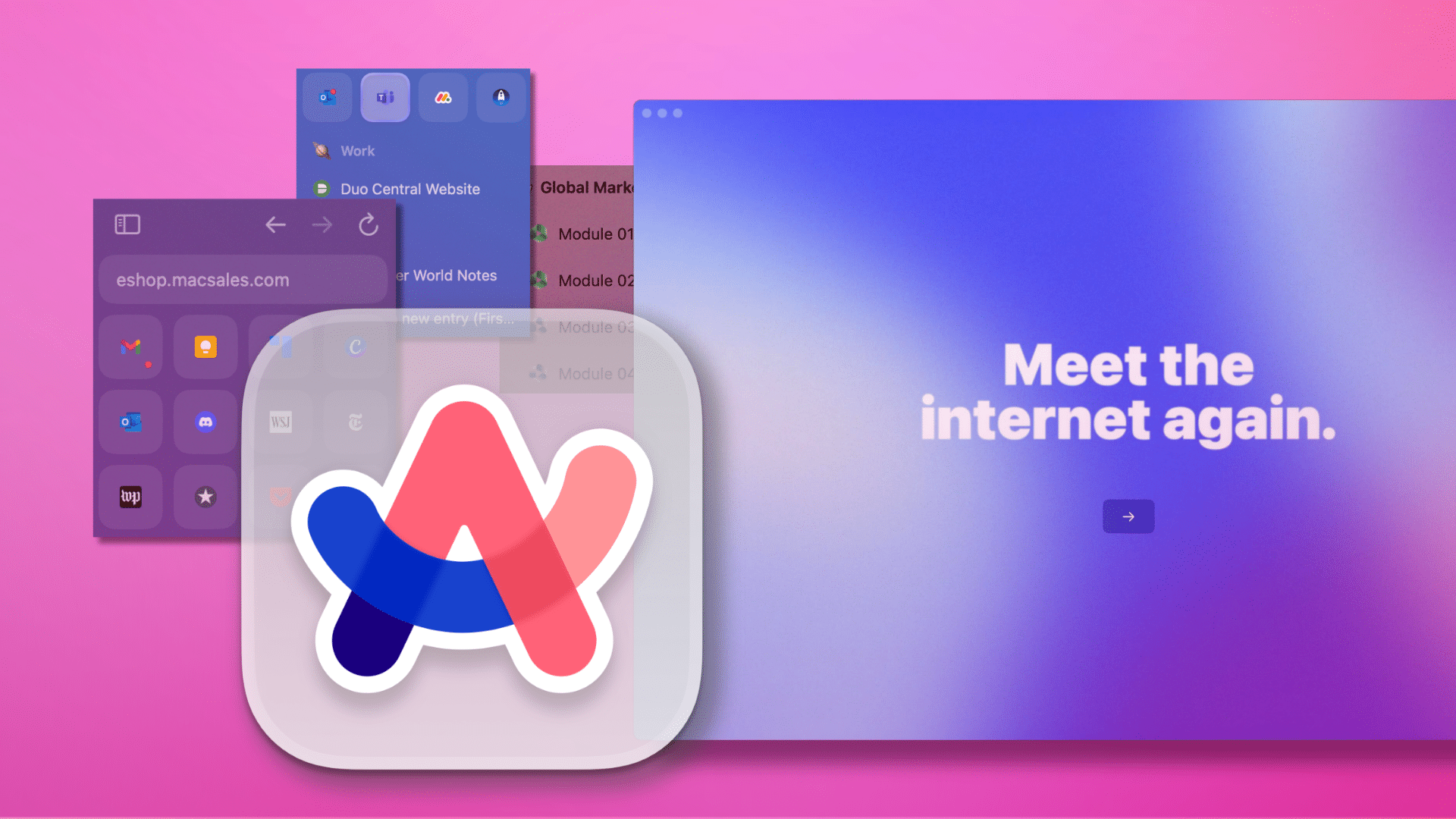
Arc reimagines what a browser should be in 2026. Vertical tabs organize naturally. Spaces separate work from personal browsing. Built-in ad blocking removes distractions without extensions.
The command bar enables keyboard-driven navigation for everything. After using Arc for a month, Chrome feels like software from a previous decade. The learning curve exists but rewards persistence.
One caveat: Arc now receives Chromium updates only, and The Browser Company points new users to its successor, Dia (checked September 2026).
Price: Free | Website: arc.net
7. 1Password
Security cannot remain optional in 2026. Reusing passwords across sites guarantees eventual compromise. 1Password generates unique passwords for every account and stores them securely.
Touch ID unlocks instantly. Browser extensions auto-fill credentials. Watchtower alerts when passwords appear in breaches. The convenience removes excuses for poor security habits.
Price: $2.99/month | 14-day free trial
6. Alfred 5
Alfred replaces Spotlight with a launcher that actually understands power users. The free version handles app launching and file search. The Powerpack unlocks workflows, clipboard history, and text expansion.
Thousands of community workflows automate repetitive tasks. Calculate without opening Calculator. Define words instantly. Control system settings with keystrokes. Alfred becomes the command center for your Mac.
Price: Free | £34 for Powerpack
5. Figma
Figma won the design tool wars. Real-time collaboration means multiple people editing simultaneously. Component libraries ensure consistency across projects. Auto-layout handles responsive design intelligently.
Developers appreciate Dev Mode for extracting specifications. Non-designers find it approachable for basic mockups and wireframes. The free tier supports meaningful work before requiring payment.
Price: Free | $12/month for Professional
4. Obsidian
Knowledge accumulates value when connected. Obsidian stores notes as plain Markdown files while enabling links between them. Over time, a personal wiki emerges from interconnected thoughts.
Graph view visualizes relationships. Community plugins extend functionality endlessly. Your data stays local in files you control forever, not locked in proprietary formats. For researchers, writers, and lifelong learners, Obsidian becomes indispensable.
Price: Free | Sync from $4/month billed annually, $5 monthly (checked September 2026)
3. Visual Studio Code
VS Code dominates code editing for good reason. Speed matches native apps. Extensions cover every language and framework. IntelliSense provides intelligent completions. Integrated Git eliminates context switching.
The integrated terminal runs commands without leaving the editor. Debugging works across languages. Settings sync keeps configurations consistent across machines. Whether you write Python, JavaScript, or Rust, VS Code handles it excellently.
Price: Free | Website: code.visualstudio.com
2. Raycast
Raycast approaches what Alfred achieves but with modern polish and generous free features. Window management, clipboard history, and snippet expansion work without payment.
Extensions integrate with GitHub, Jira, Linear, and countless other services. Built-in AI provides quick answers. The store offers thousands of community extensions. For users wanting Alfred-level power without upfront cost, Raycast delivers.
Price: Free | Pro with AI from $10/month (checked September 2026)
1. Ahsk: The AI Assistant That Works Everywhere

Every other application on this list solves specific problems well. Ahsk works inside all of them.
Hold fn and speak, and the words land at the cursor in whatever app you are in. Tap fn to go hands-free, or hold fn + Shift to translate as you speak. Select text and a small bar offers Ask, Rewrite, Copy, Translate and Search. No copying to a browser tab.
Writing an email that needs polish? Select the draft and ask Ahsk to make it professional. Reading technical documentation? Highlight confusing paragraphs for instant explanations. Working with international colleagues? Translate messages across 50+ languages without leaving your chat application.
It works in Safari, VS Code, Slack, Notion, Mail and any other app with a text cursor. Speech is transcribed by Whisper large-v3 in the cloud, then a second model adds punctuation and removes filler words, so it needs an internet connection. One account covers Mac, Windows and iPhone, with Pro at €9.99/month after the first 10,000 free words.
Why Ahsk Earned the Top Spot
- Dictation in any app: hold fn to talk, tap fn for hands-free
- Works in any app with a text cursor
- Translation into 50+ languages, including as you speak
- Voice modes such as Informal, Formal and Mail
- Personal dictionary for names and jargon
- Audio not stored on Ahsk's servers or used for training
- First 10,000 words free, no credit card required
Frequently Asked Questions
What are the first apps to install on a new Mac?
Start with Ahsk for AI assistance everywhere, 1Password for security, Homebrew for package management, Raycast or Alfred for launching, and Magnet for window management. These five apps form the foundation of a productive Mac setup.
What is the best AI app for Mac in 2026?
Our pick is Ahsk, because it works in any app with a text cursor. Hold fn to dictate, or select text to ask about it, rewrite it or translate it into 50+ languages. ChatGPT and Claude are better for long conversations in their own window.
Are paid Mac apps worth the money?
Premium Mac apps save hours of time every week. Tools like Ahsk, CleanShot X, Things 3, and 1Password often pay for themselves within days through productivity gains. The modest costs pale compared to the value delivered.
Which Mac apps are essential for developers?
Developers should install VS Code for editing, Ahsk for dictation and AI in the editor and terminal, Homebrew for packages, Raycast for launching, and Arc Browser for web work. Add Figma for design collaboration.
How is Ahsk different from ChatGPT on Mac?
Ahsk works inside every app with a text cursor: dictate at the cursor, or select text and get AI help without switching windows. ChatGPT works in its own app or browser tab, so text moves back and forth by copy and paste. For long conversations, that window is the better fit.