Best Productivity Apps for Mac 2026: Top 15 Apps to Get More Done
Fifteen apps grouped by the job they do, with what each one costs.
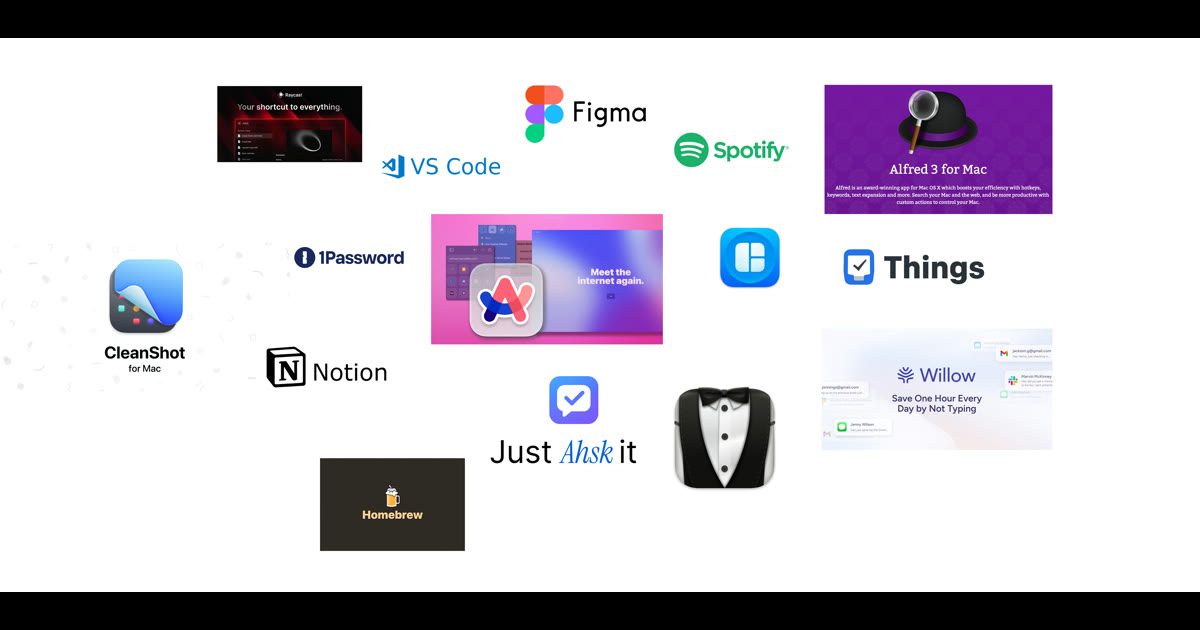
The best productivity apps for Mac in 2026 cut out switching between windows. Our list of 15: Ahsk for dictation and AI in any app, Raycast or Alfred to launch things, Things 3 or Todoist for tasks, Notion or Bear for notes, Fantastical and Spark for calendar and email, then CleanShot X, Magnet, Bartender, 1Password, Arc and Homebrew. Most have a free tier.
I have tested a lot of Mac apps over the years. These are the ones that stayed installed. They are grouped by the job they do, with each app's price next to it, so you can pick one per category rather than install all fifteen.
AI Assistant: Ahsk

1. Ahsk. Ahsk is voice dictation with AI built in, and it works in any app with a text cursor. Hold fn and speak, and cleaned-up text lands at the cursor: Whisper large-v3 transcribes in the cloud, then a second model adds punctuation and removes filler words. Select text and a small bar lets you ask about it, rewrite it or translate it into 50+ languages. Write emails, answer Slack messages and draft documents without opening ChatGPT in another window. It needs an internet connection. Free for the first 10,000 words, then €9.99/month for Mac, Windows and iPhone together.
Why Ahsk for Productivity
- Dictation in any app: hold fn to talk, tap fn for hands-free
- Works in Mail, Slack, Chrome, VS Code, any app with a text cursor
- Ask, rewrite and translate selected text, 50+ languages
- Meeting notes with Option + Shift + R, 10 hours a month on every plan
- 10,000 free words to start, no card
Launchers: Raycast and Alfred
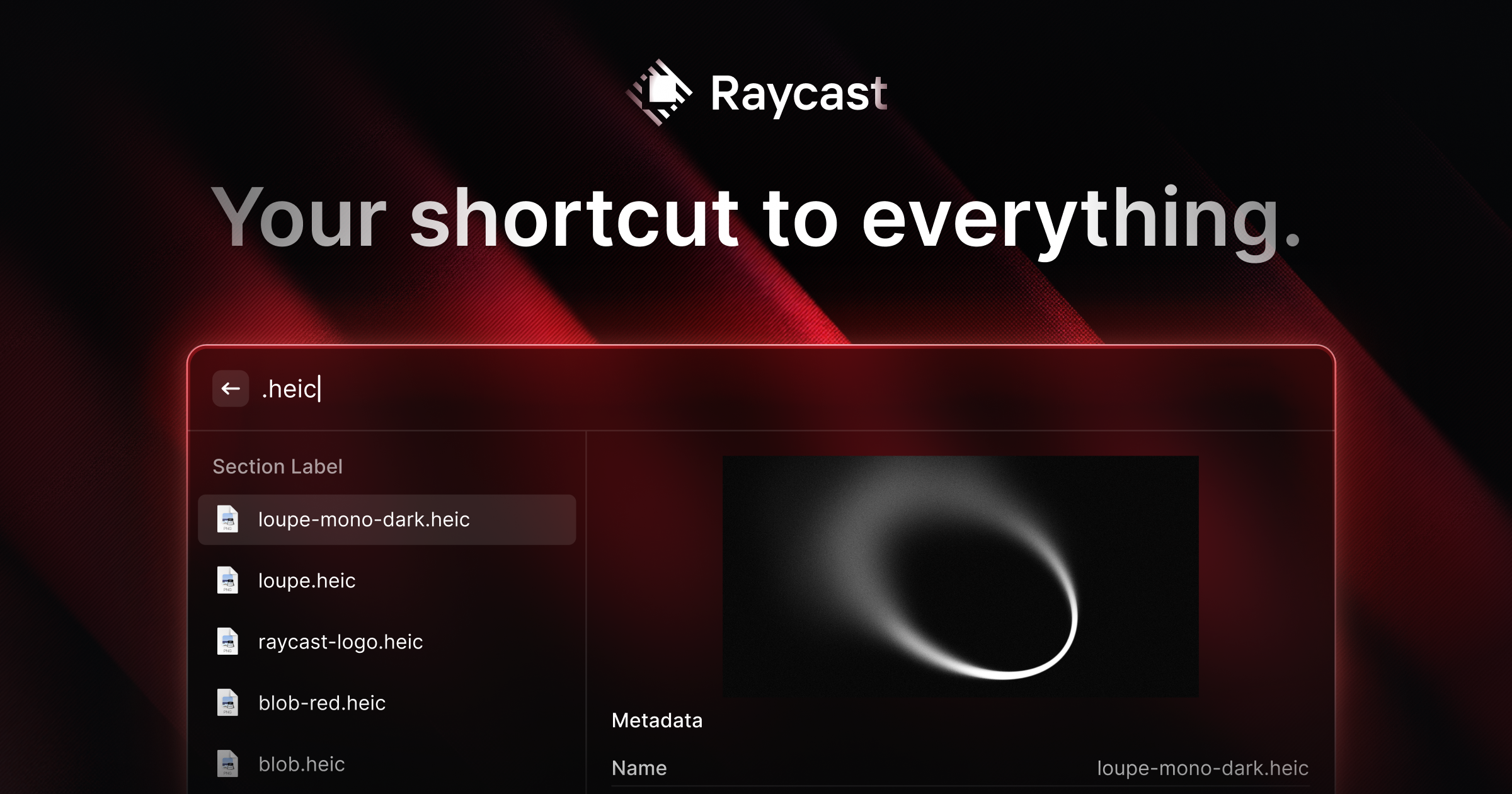
2. Raycast replaces Spotlight with a launcher that does much more: launch apps, search files, manage windows, keep clipboard history and snippets, do calculations, and connect to countless services. The free version includes features other launchers charge for, and AI comes with the paid plan. Price: Free | $10/month for Pro with AI (checked September 2026).
3. Alfred offers similar launcher features with a different philosophy. The Powerpack adds workflows that automate multi-step tasks, and long-time users value its reliability and deep customization. Pick Raycast for a modern free tier, Alfred if you prefer a one-time purchase. Price: Free | £34 one-time for Powerpack.
Task Management: Things 3 and Todoist
4. Things 3 wins on design. The interface is pleasant enough that you keep using it, which is most of what task management needs. Areas, projects and the Today view keep focus clear, and the one-time purchase means no ongoing fees. It is Apple-only. Price: $49.99 one-time.
5. Todoist works everywhere: Mac, Windows, iOS, Android, web and browser extensions. Natural language input lets you type "Meeting with John tomorrow at 3pm" and it sets the date. Collaboration features make it a good fit for teams, and it is the better pick if you do not only use Apple devices. Price: Free | $4/month for Pro.
Notes and Knowledge: Notion and Bear
6. Notion combines notes, databases, wikis and project management in one flexible tool. There is a learning curve, but the payoff is a workspace that fits how you think rather than a rigid structure. Full Notion AI comes with the Business plan. Price: Free for personal | $10/member/month for Plus, billed yearly ($12 monthly) (checked September 2026).
7. Bear offers Markdown notes with Apple-level polish. Tags organize content without complex folder trees, and focus mode hides everything but the text. For writers who want a simple, good-looking notes app rather than a database, Bear is the better fit. Price: Free | $2.99/month for Pro.
Calendar and Email: Fantastical and Spark
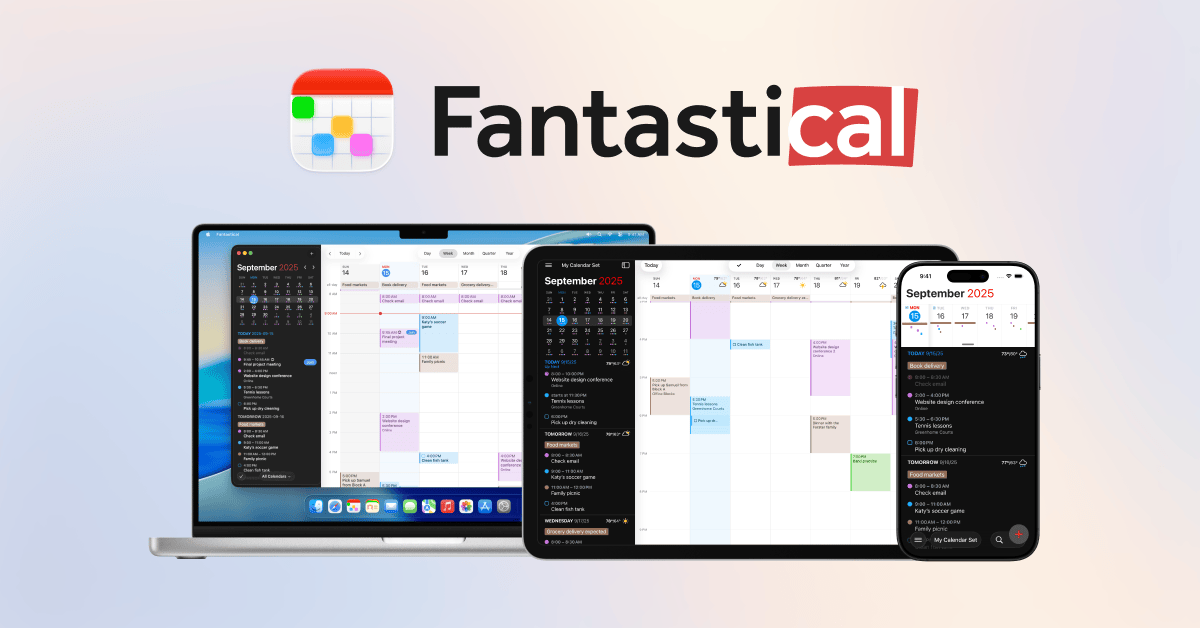
8. Fantastical handles calendars with natural language input and a clean design. Type "Lunch with Sarah next Tuesday at noon" and it creates the event. It brings calendars, tasks and weather into one view. Price: Free basic | $4.99/month for Premium.
9. Spark sorts email into smart inbox categories, surfaces important messages and adds collaboration features for teams. Snooze, send later and follow-up reminders keep the inbox manageable. Price: Free | $4.99/month for Premium.
Screenshots, Windows and the Menu Bar
10. CleanShot X captures screenshots and screen recordings with annotation, blur tools and cloud upload, and hides desktop clutter automatically. For anyone writing documentation or sharing visual feedback, it saves a lot of steps. Price: $35 one-time, or Pro at $10/month billed annually (checked September 2026).
11. Magnet adds window snapping by keyboard shortcut: halves, quarters or custom positions. Price: $7.99 one-time.
12. Bartender tidies the menu bar by hiding icons you rarely need and showing them on hover or when they update. A cleaner menu bar means less visual noise. Price: $18 one-time.
Passwords, Browsing and Developer Tools
13. 1Password generates and stores a unique password for every account. Touch ID unlocks it, Watchtower warns you about breaches, and secure notes hold sensitive information. Not losing time to password resets counts as productivity. Price: $2.99/month.
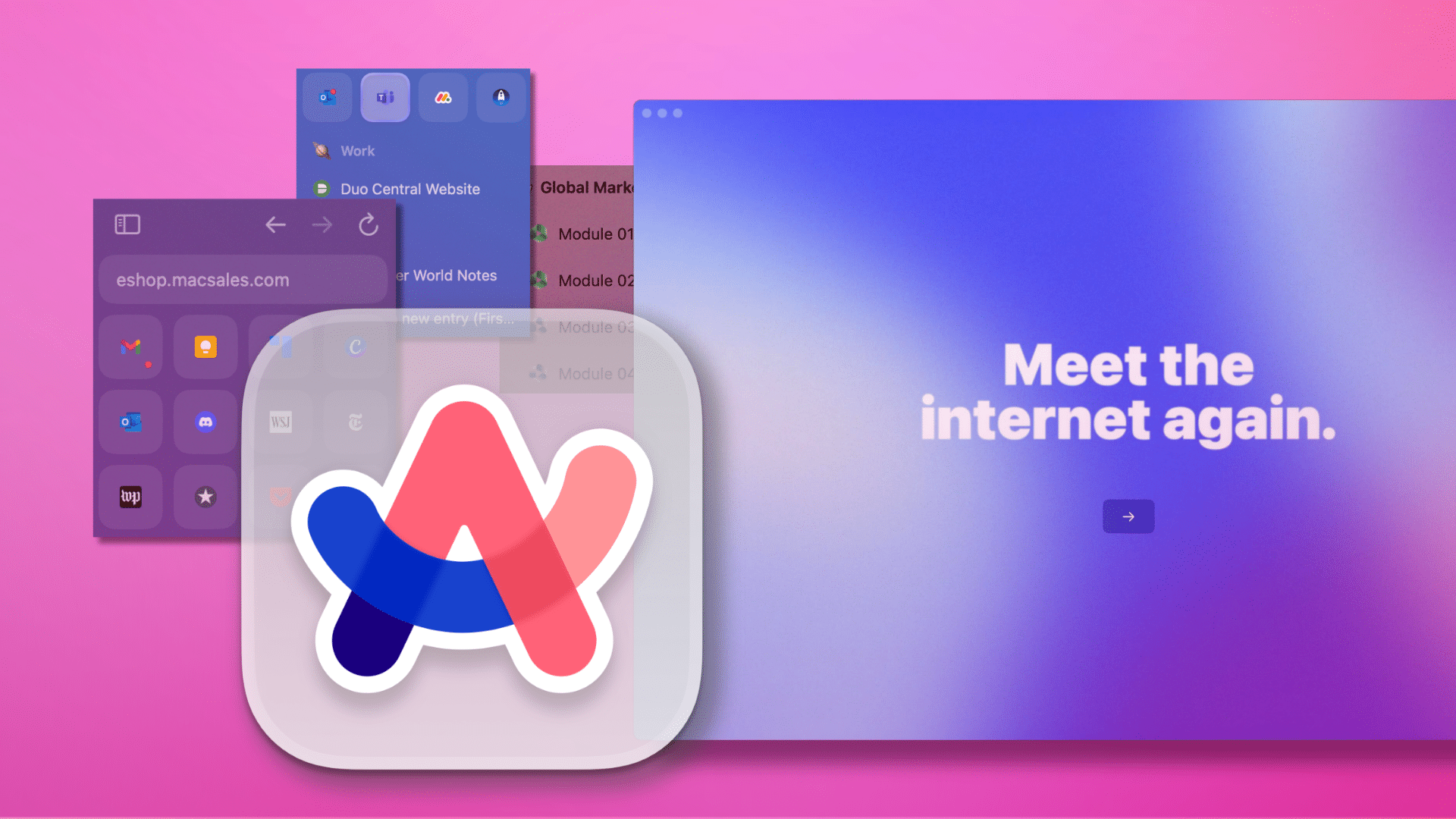
14. Arc rethinks the browser with vertical tabs, spaces for different contexts and a command bar for keyboard-driven browsing. One caveat: Arc now receives Chromium updates only, and The Browser Company points new users to its successor, Dia (checked September 2026). Price: Free.
15. Homebrew installs command-line tools and applications with a single command and keeps them updated. It is free, open source and run by volunteers. For developers and power users, it is the first thing to install on a new Mac. Price: Free.
Frequently Asked Questions
What is the best productivity app for Mac?
For AI and dictation in every app, Ahsk. For task management, Things 3 leads with beautiful design. For notes, Notion offers unmatched flexibility. Raycast is essential for launching and automation.
What apps do productive people use on Mac?
Productive Mac users typically combine a launcher (Raycast or Alfred), task manager (Things 3 or Todoist), notes app (Notion or Bear), calendar (Fantastical), and increasingly an AI assistant like Ahsk for instant help everywhere.
Is there an AI productivity app for Mac?
Yes. Ahsk works in any Mac app with a text cursor, so you get AI help without switching windows. It handles voice dictation, translation into 50+ languages, rewriting and explanations of selected text.
What is the best free productivity app for Mac?
Raycast offers the best free productivity features including launcher, clipboard history, and window management. Notion has a generous free tier. Ahsk provides 10,000 free words for AI assistance.